First Impact Live · 6 min
A remote speaker should be treated as a production position, not as a video call. That means a scheduled technical check, a wired connection where possible, external audio, controlled lighting and framing, a return feed so the speaker can see the room, and a defined cue process for when they are live.
The technical check is non-negotiable
Run it days before, from the exact location, device and connection the speaker will use. Check upload stability, audio path, camera framing, background light and screen-sharing behaviour.
Give the speaker a return feed
A remote speaker who cannot see or hear the room speaks into a void. A programme return and clean audio let them react to the moderator, the audience and the slides.
Make them present in the venue
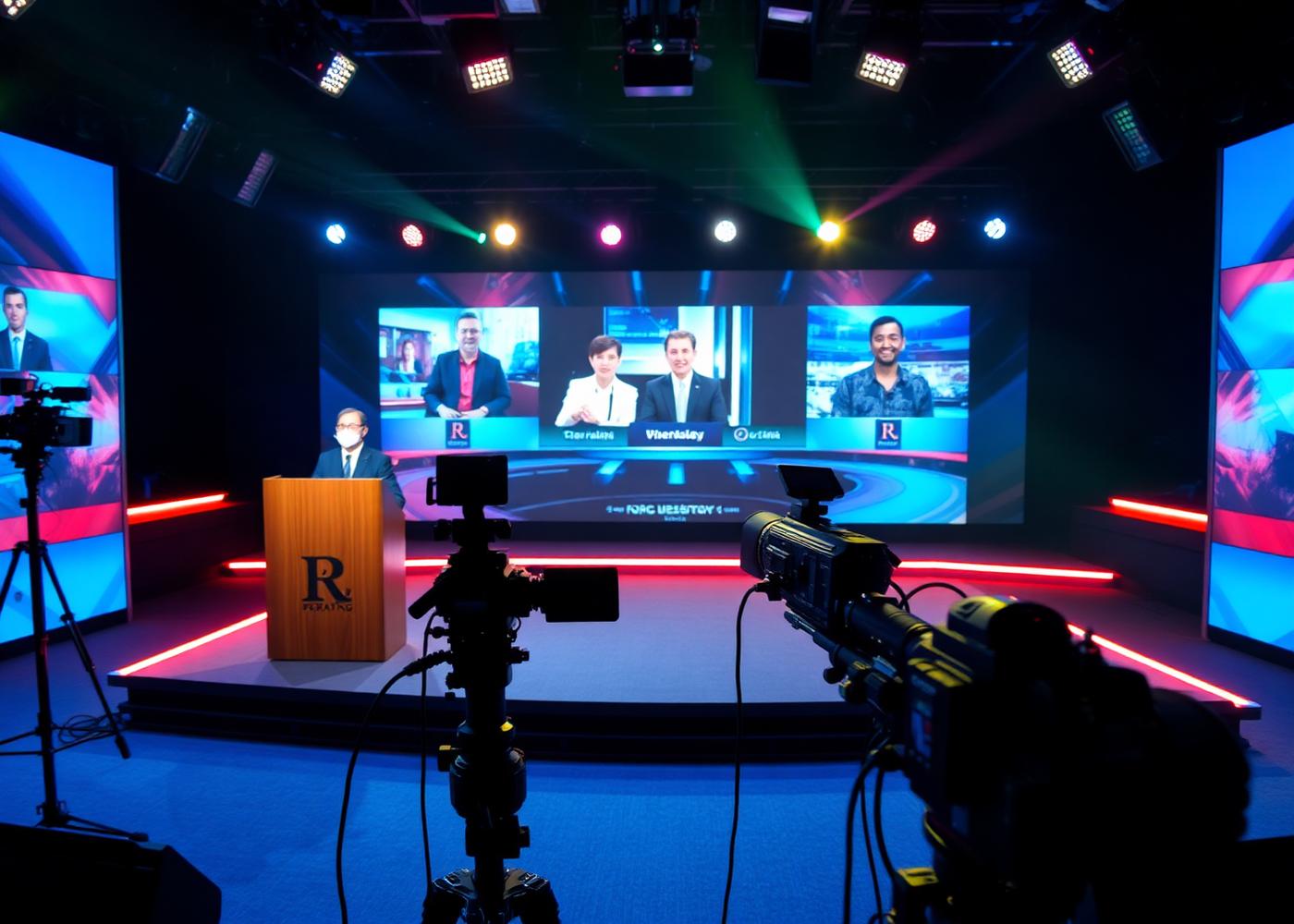
Remote participants can be shown on LED, projection or venue displays and routed into the room's sound system, so the audience experiences a speaker rather than a video window.
Plan the failure case
Decide in advance what happens if the connection degrades: a fallback audio-only path, a pre-recorded version, or a moderator bridge. The decision should be made in planning, not on air.